docker-compose: 在容器中添加中文字体 Published on May 11, 2024 in 随笔 with 0 comment docker-compose 配置 先上 docker-compose.yml 的内容 ```yaml hh-job: image: hh-job container_name: hh-job environment: # 时区上海 TZ: Asia/Shanghai LANG: C.UTF-8 LC_ALL: C.UTF-8 ports: - "9209:9209" volumes: # 配置文件 - /docker/hh-job/logs/:/hh-job/logs - /data/fonts:/usr/share/fonts privileged: true restart: always networks: ruoyi_net: ipv4_address: 172.30.0.113 ``` 1)可以进入到容器查看当前字体是什么。 命令:locale -a 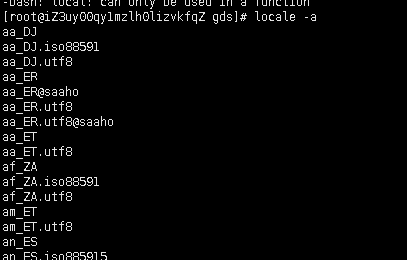 (2)查看已经安装的中文字体 命令:fc-list :lang=zh (3)手动重载系统字体 命令:fc-cache -fv 本文由 admin 创作,采用 知识共享署名4.0 国际许可协议进行许可。本站文章除注明转载/出处外,均为本站原创或翻译,转载前请务必署名。
